Most people find the first one and never learn the other three.
The WhatsApp button on a job
Open any job in ServiceM8 and look in its action menu for WhatsApp. It opens the conversation with the job’s contact, and it is where most replies get written. If the job has more than one contact, the conversation lets you choose which one you are messaging.
The WhatsApp button on a client card
Open a client and the same WhatsApp button is there. It opens the conversation with that client’s contact even when there is no job yet, which is useful for a quick “are you still wanting that quote?”.
The WhatsApp Messages list
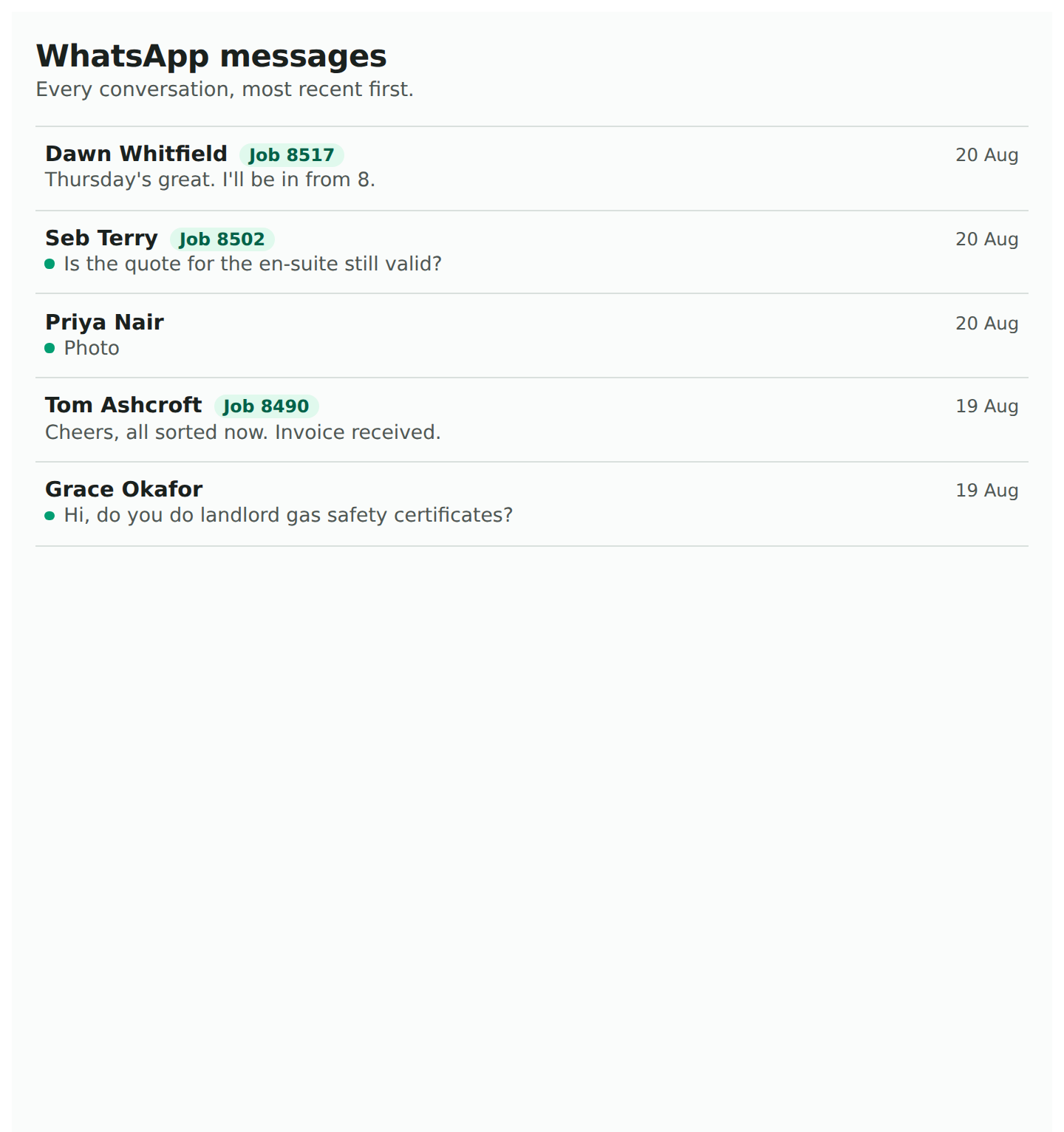
In the add-on menu, WhatsApp Messages. Every conversation, newest first, with the customer’s name, the last message, the job number if it is on one, and a dot against anything still waiting for a reply. It is the answer to “what came in?” when you do not already know which job to open, and it is deliberately a plain list because it is read at a glance, usually on a phone.
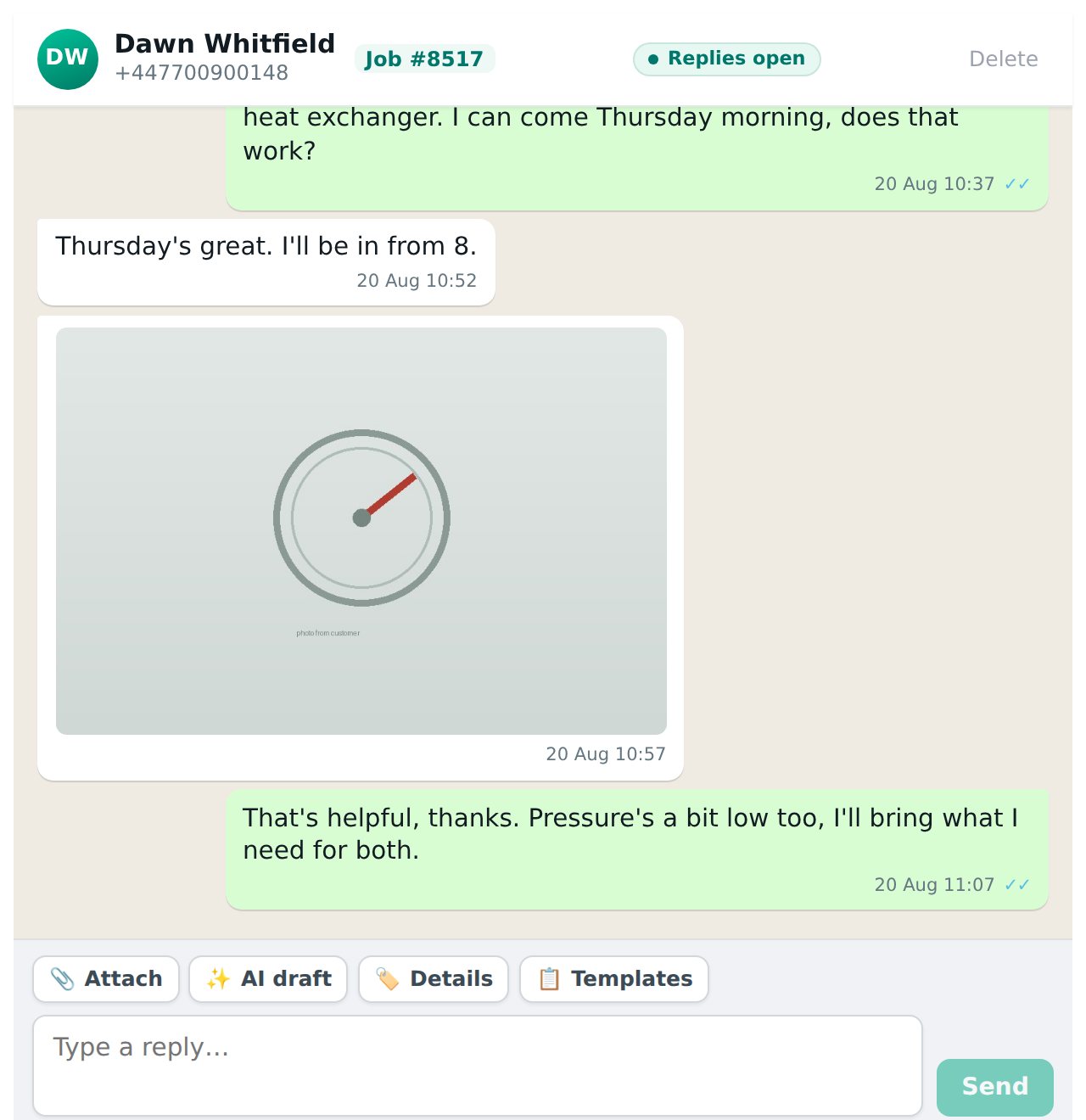
Opening a conversation from here shows a link to its job at the top, so you can get from the thread to the work without remembering the job number.
The link in a notification
When the add-on tags you in a job’s diary note or an Inbox entry, the note carries a short link straight to the conversation. Tap the notification, tap the link, and you are in the thread. The link is a pointer, not a password, so it is safe sitting in the diary for as long as the note is there.