A job can have several people on it: the person at the property, a billing contact, a property manager. They have different numbers, and a message meant for the landlord should not go to the tenant.
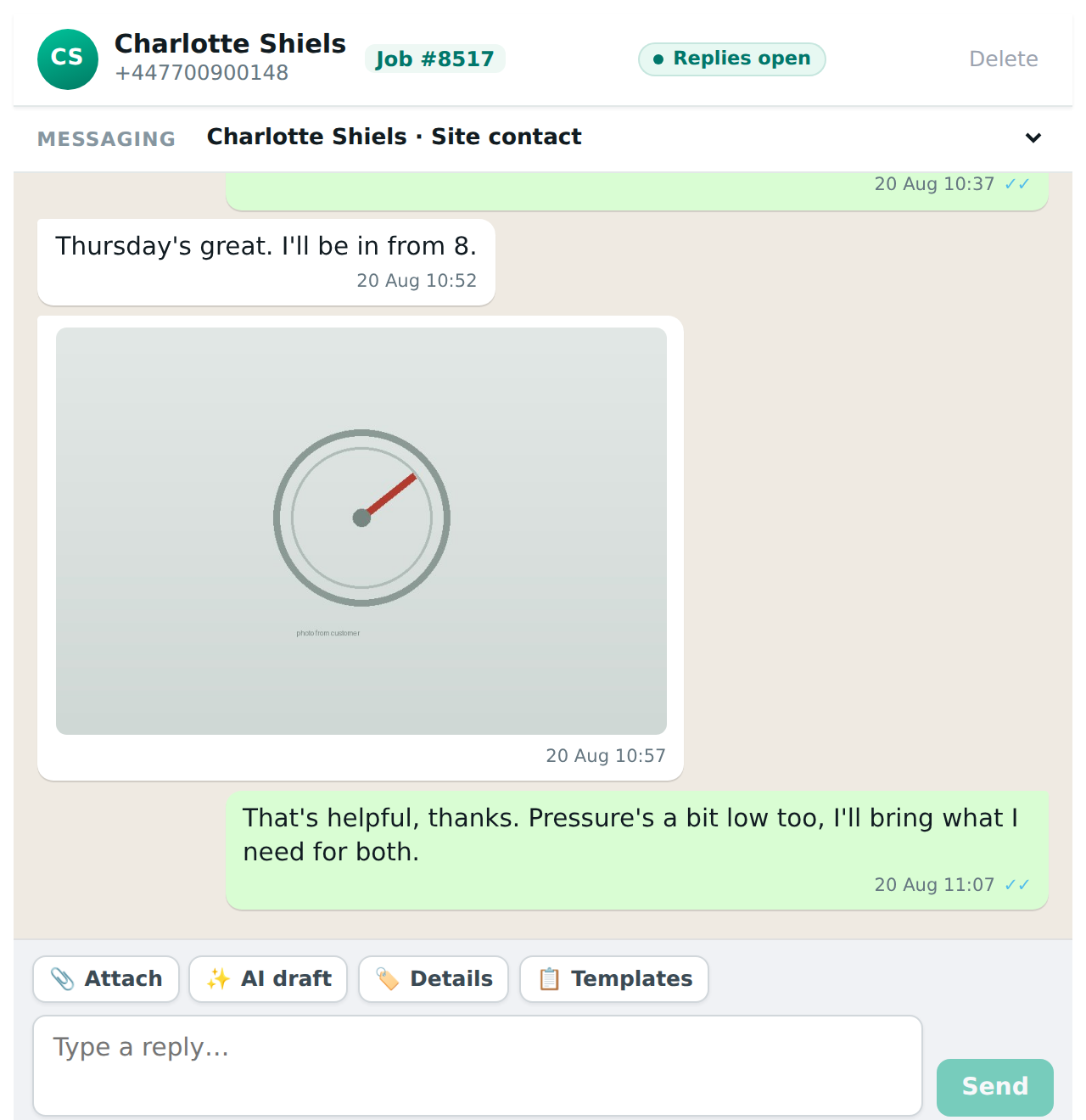
When a job has more than one contact with a mobile number, a Messaging selector appears at the top of the conversation, showing who the thread is with and offering the others.
Who is picked by default
The site contact, the person at the property, because that is who an engineer usually needs to reach. If the site contact has no mobile, the first contact on the job with one.
Switching
Choose a different name and the whole screen switches to that person’s conversation. Each contact has their own thread, so nothing already said to one is shown to another. The selector only appears when there is a choice to make. With one contact it stays out of the way.