A message from someone new
Lands in your ServiceM8 Inbox with their name and number already filled in, ready to become a job or a quote. You do not retype anything. If the Chat Assistant is switched on, it answers them and, for anything on your list, books the job. New enquiries and the Inbox.
A message about an existing job
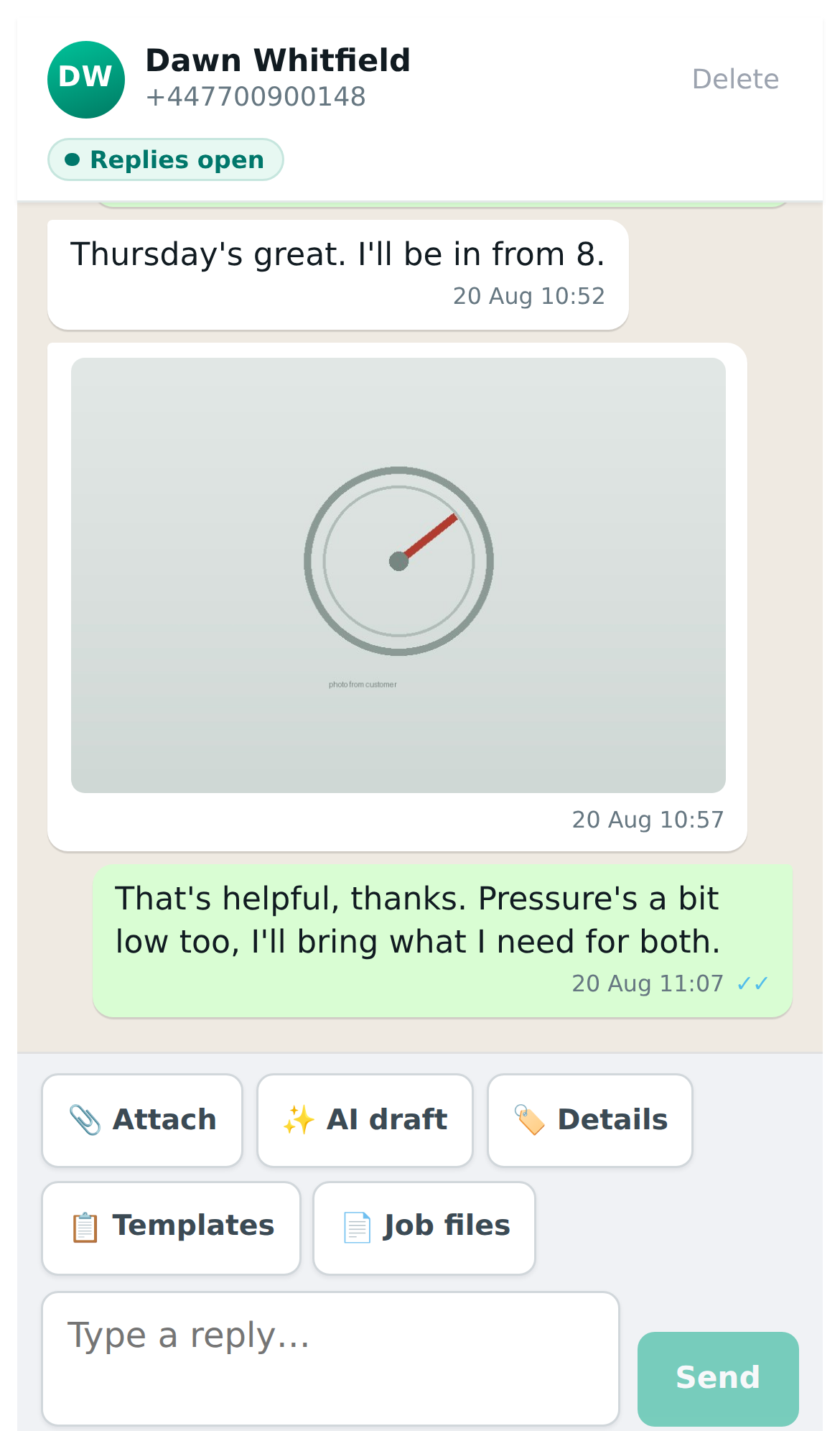
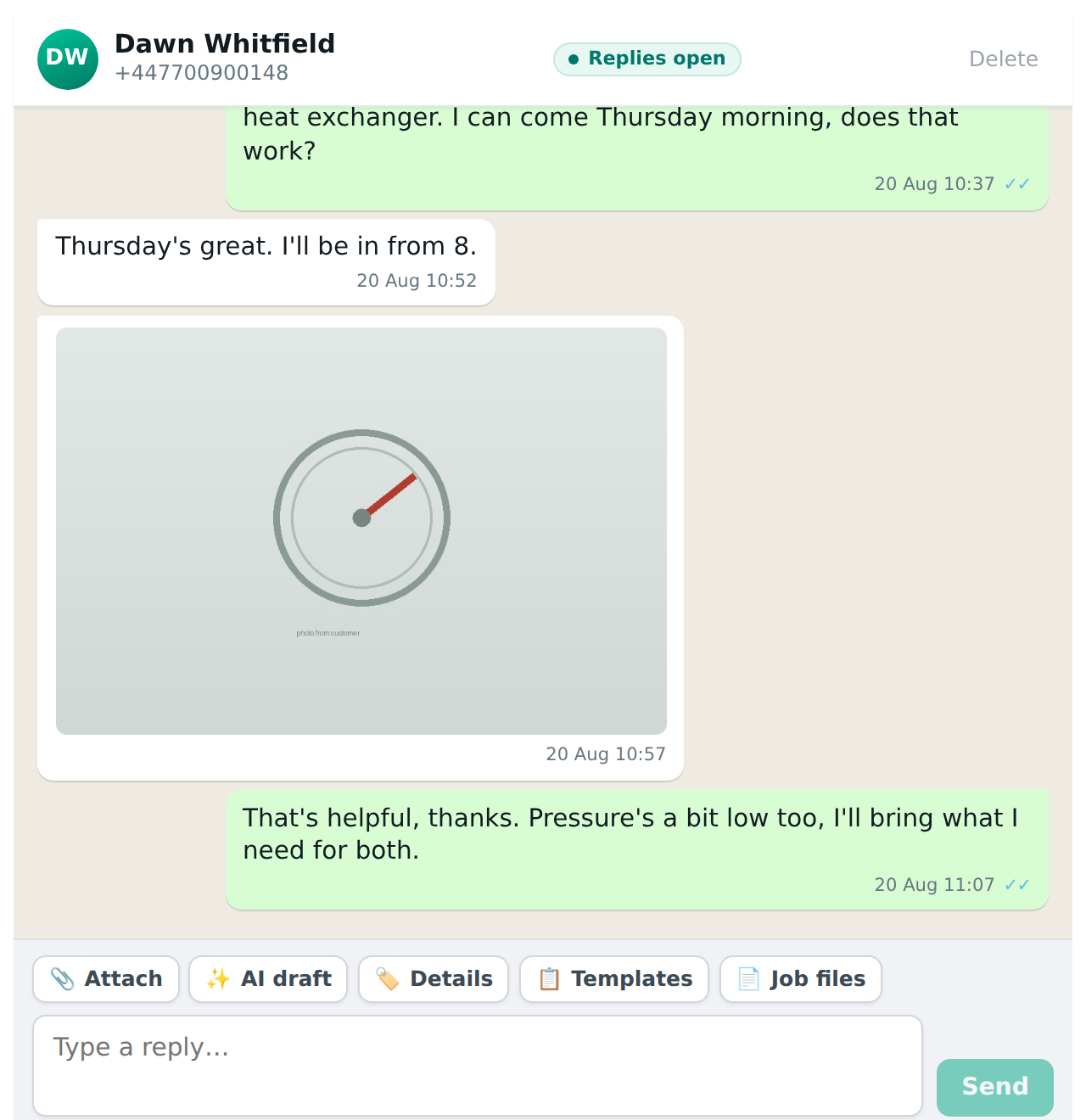
Goes straight onto that job’s diary. Open the job, tap WhatsApp, and the whole thread is there, including the part of the conversation that happened before the job existed.
Your replies go on the diary too, wherever you sent them from: the job, the messages list, a client card, or the WhatsApp Business app on your phone if your number runs there. So someone in the office without that phone still sees both sides of the conversation.
Who is told depends on how you connected. On a new number, the person booked on the job is tagged and their phone buzzes. On the “keep my app” route the phone already rings, so the extra alert is off unless you switch it on for people who do not carry that phone. Notifications: who gets told and how.
Photos and documents
Attached to the job automatically. This is the point of the whole thing. The photo of the broken boiler ends up on the job record where the next person can see it, rather than on one person’s phone where it is invisible to everybody else and gone when they change handsets.
The same goes for documents: a PDF of an old certificate, a meter reading, a copy of a warranty. Photos, documents and job files.
Replying
Replies go out from your business number. Nothing is branded, nothing says ServiceHQ, and there is no way for a customer to tell that a system is involved. It looks like you texting them, because it is.
If you connected using the “keep my app” route, you can also reply from the WhatsApp Business app on your phone, and those messages appear in ServiceM8 too. That matters more than it sounds: it means whoever carries that phone can answer from the van without opening ServiceM8, and the office still sees it.
What your team sees
Everyone who can open the job sees the conversation on it. Nobody has to ask who spoke to the customer last or go hunting through somebody’s phone. When somebody is off, the thread is still there. Where to find a conversation lists the four ways in.