Before you start
Two things.
- A ServiceM8 plan with the Inbox. That is Growing or above at the time of writing. A WhatsApp message from someone who is not yet a customer lands in the Inbox, so without it a new enquiry has nowhere to go. Check ServiceM8’s pricing page for what your plan includes, because plans change and we would rather you checked than took our word for it.
- A phone number that can receive WhatsApp. Which app that number is on right now decides how you connect it. That is the one real decision in the setup and it has its own page.
The four steps
- Install the add-on with the Install now link (or from Settings, then Add-ons, once it is in the store) and approve the access it asks for. It reads jobs and contacts, posts notes, saves attachments, and puts bookings on your dispatch board, because that is the work it does. Every permission, and why.
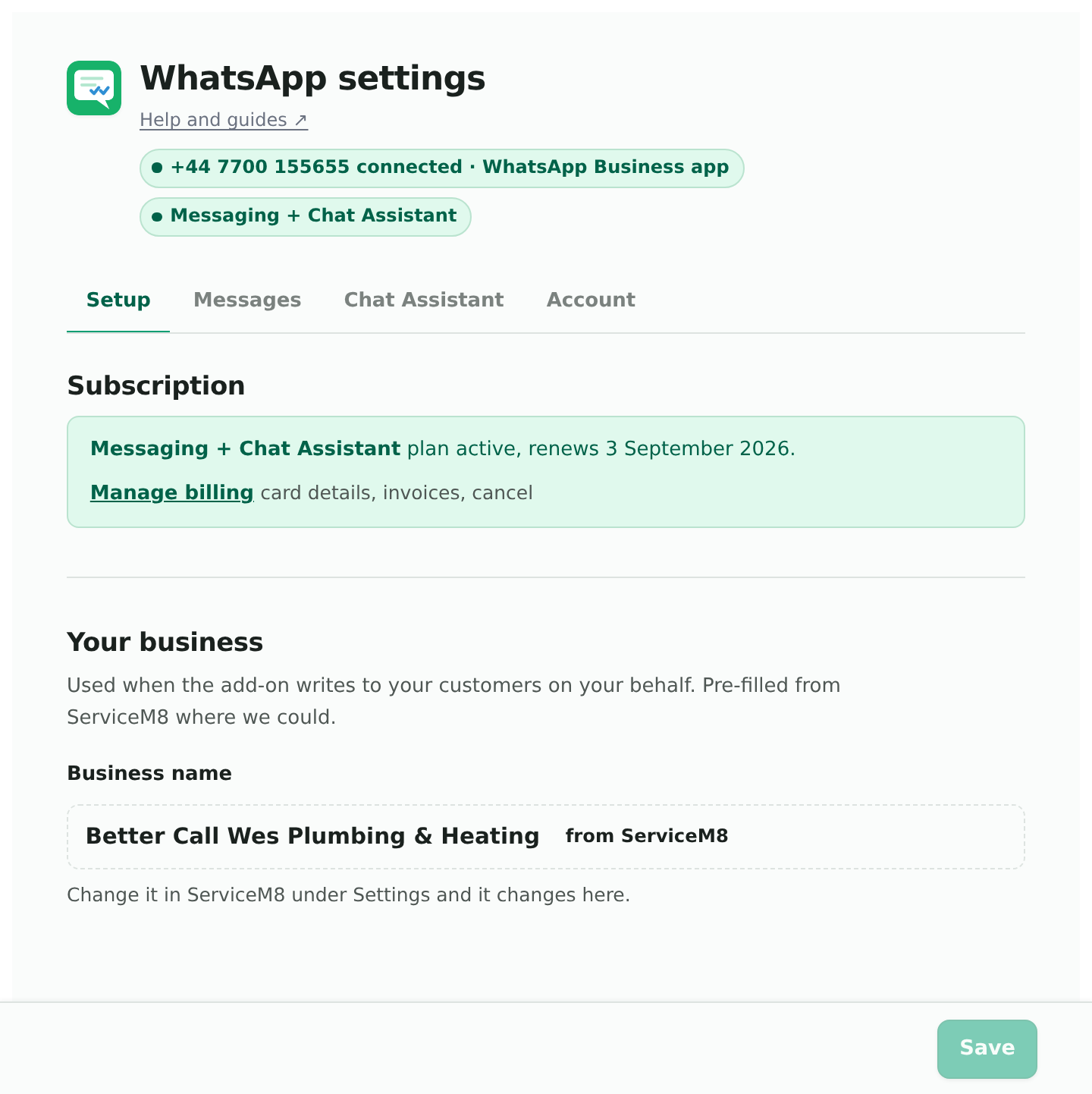
- Open WhatsApp Settings from the add-on menu and start the free trial. Customer messages are received and saved either way. A subscription is needed to send replies, and the Chat Assistant is included for the whole trial.
- Connect your number. This is the step with the decision in it, and it opens in a new tab because Facebook will not run inside the ServiceM8 window.
- Send a test message from a different phone and check it lands.
Do step four, and do it from a different phone. On the “keep my app” route a message from the connected phone to its own number is a chat with yourself, and it never reaches the add-on. One business tested that way, saw nothing arrive, and concluded it was broken. What a good test looks like.
How long it takes
About ten minutes end to end. Most of that is WhatsApp verifying the number, which is out of everyone’s hands including ours. The parts you actually do take two or three minutes.
If you are connecting a number that is already on the WhatsApp Business app, add a few minutes for your chat history to come across. It arrives in the background. You do not have to sit and watch it.
What happens next
Once the number is connected, nothing about how your customers message you changes. They message the same number they always did. What changes is where those messages land: in ServiceM8, against the right job, with the photos attached.
Read how it works day to day next, and then the 24-hour rule. That is the one piece of WhatsApp’s behaviour that catches everybody out once.