Every job in ServiceM8 has an Ask for a Google review button, on the web and in the ServiceM8 app. Use it for a job finished before you switched Reviews on, or when you’d rather the customer was asked now than in two hours.
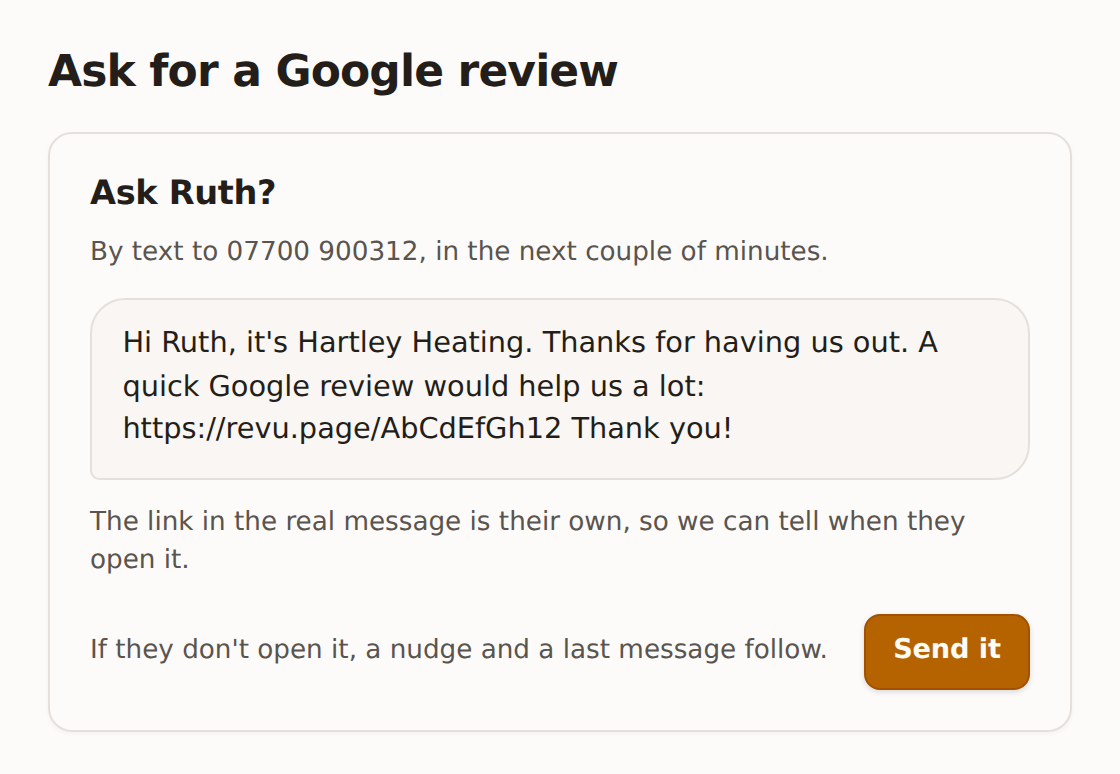
It shows who it will go to, by text, email or WhatsApp, to which number or address, and exactly what the message says. Press Send it and it goes in the next couple of minutes, or at 09:00 if it’s outside sending hours. If they don’t open the link, the usual nudge and last message follow. It then shows on the Sent tab like any other.
The difference from the automatic ask: there’s no two-hour wait, and the job can be any age. It still has to be marked Completed.
Asking someone a second time
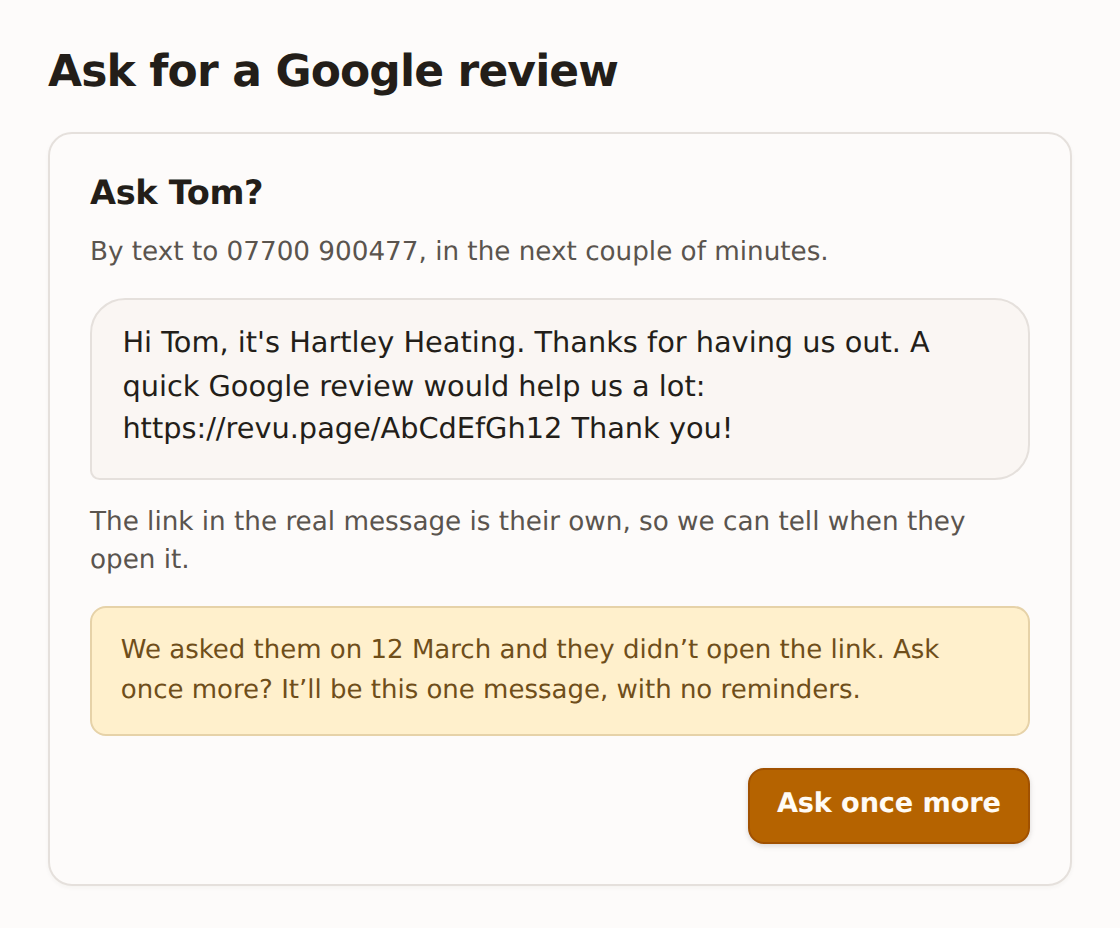
If you asked them before and they didn’t open the link, it says so and offers Ask once more. That sends one message with no reminders.
When it won’t ask
| It says | Why |
|---|---|
| This job isn’t marked Completed yet | When it is, the customer is asked automatically. |
| This job has already had a review request | Each job is asked about once. It’s on the Sent tab. |
| There’s no mobile or email on this job or its client card | Add one, then press the button again. |
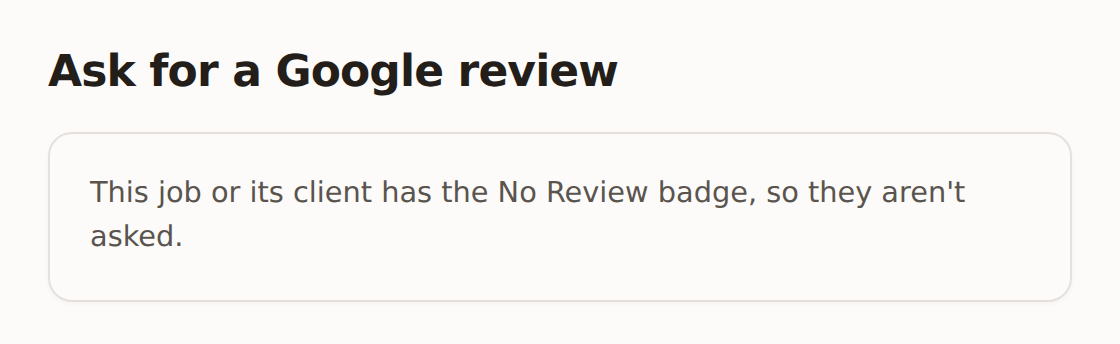
| This job or its client has the No Review badge | See the No Review badge. |
| This customer asked not to get review requests | They opted out, and that’s permanent. |
| They’ve already reviewed you | Asking again won’t help. |
| They opened your review link before | They’ve most likely reviewed you already. |
| They already have a review request on its way | From another job, so they aren’t asked twice. |
| Review requests are switched off | Also shown when the trial hasn’t started, there’s no review link, or the box under the switch isn’t ticked. Open Reviews from the ServiceM8 menu and check the Overview tab. |
If it says “Open this from the job”, the window has been open more than half an hour. Close it and press the button on the job again.