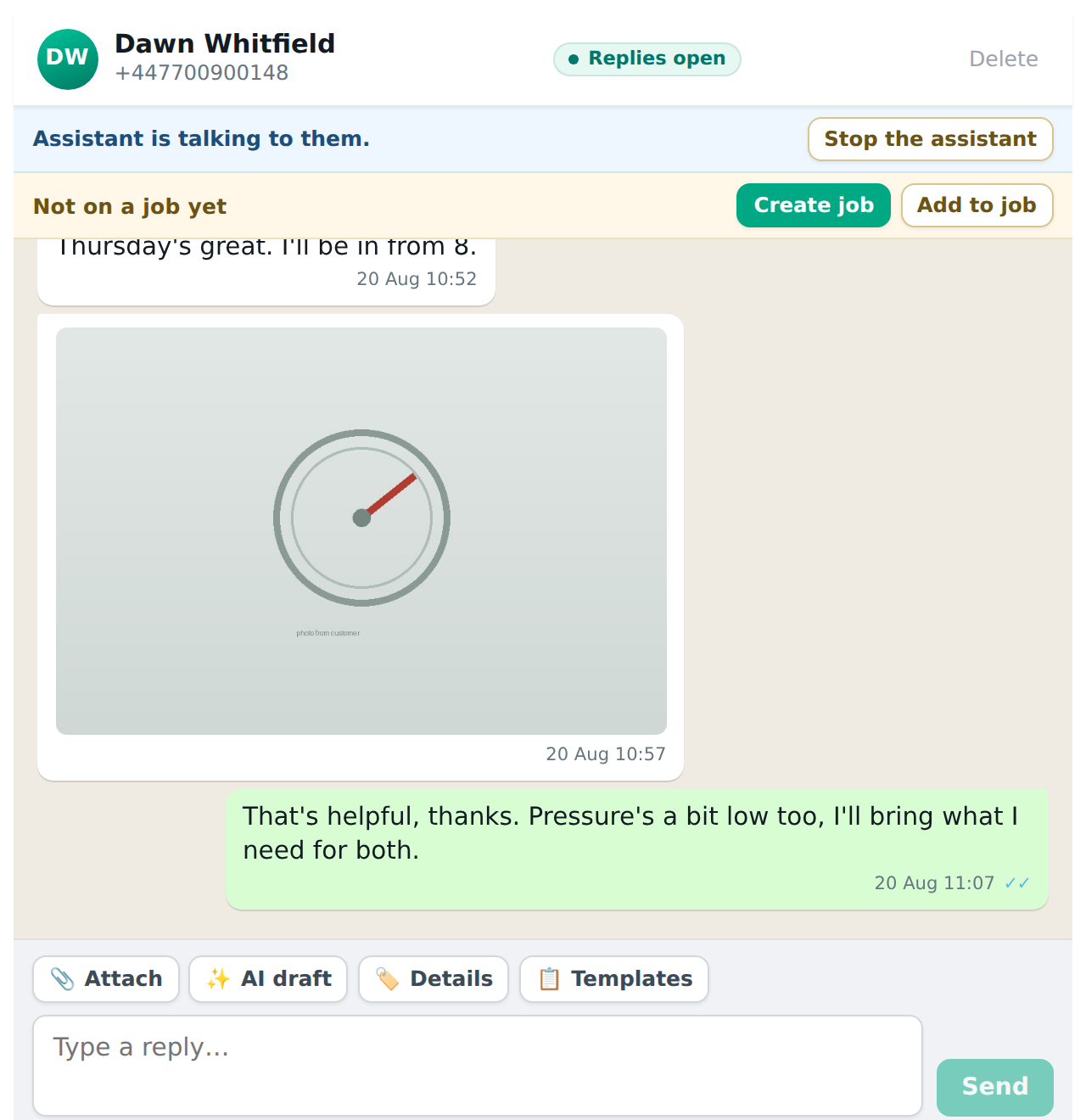
With the booking assistant on, a status line under the customer’s name says where the assistant is with them, and whether the conversation is on a job, for example “Assistant is talking to them · Not on a job”. The Actions button on that line holds everything you can do about it. It shows on a conversation opened from a job too, so you can stop the assistant or hand it back there.
The states
- “Assistant will answer their next message.” Nothing has happened yet.
- “Assistant is talking to them.” A booking conversation is in progress.
- “Assistant stopped. You have it.” A member of staff typed, or pressed Stop.
- “Assistant passed this to you.” It reached something it does not do and passed the conversation over. The alert you received says why.
- “Assistant booked this one.” The job exists. It still answers that customer about their booking (moving it, cancelling, the extras), so Stop the assistant is there if you’d rather take it from here.
- “Assistant signed off: they no longer need it.” The customer changed their mind, so it thanked them for the enquiry and stopped. A thank-you after that gets nothing back; if they come back with a real request, it starts again from the top. Nothing is booked, and the Inbox entry gets a note saying so.
The Actions menu
Stop the assistant takes the conversation off it. Nothing it was in the middle of continues. You are talking to the customer now.
Hand back to the assistant gives it back, on a stopped or handed-off conversation, whether it’s an enquiry or a job it booked. If the customer’s last message hasn’t been answered and it’s within WhatsApp’s 24 hours, it answers that straight away; otherwise it picks up from their next message. Let the assistant answer does the same.
When it says it isn’t answering
Switched on, it still leaves some conversations alone, and the status line says which and why:
- This conversation is on a job. Messages from someone with a live job go to that job’s diary for you, not to the assistant. The exceptions: a job the assistant booked itself, which it keeps looking after until the day of the visit, and every job if you’ve set it to answer on every job (see On a job). If it’s really a new enquiry, press Let the assistant answer: the conversation comes off the job and the assistant answers, starting with their last message if nobody has replied to it yet. The job itself isn’t changed. A quote counts as live for a month after it was quoted.
- It’s set to answer only when you’re closed, and you’re open.
- Your plan doesn’t include the Chat Assistant.
Typing stops it
You do not have to press Stop. The moment anyone on staff sends a message in a conversation, the assistant stops on that conversation, because two voices answering one customer is worse than either alone. A reply from the WhatsApp Business app on your phone counts too.
It stays stopped until somebody hands it back, or, if you’ve set a hand-back time, until that long has passed with no reply from you: 2, 4, 24 or 48 hours. Then it answers their next message. Set it under After someone on your team replies.
It always says something
If it has passed a conversation to you and the customer writes again before anyone has replied, it tells them it’s passed their message on, rather than leaving them with nothing. Once every few hours, not after every message, and a plain “thanks” gets nothing back.
Switching it off everywhere
The switch on the Chat Assistant’s Settings tab. Off there is off on every conversation at once.
When it hands off, and why you are told
It hands over, and alerts whoever is on the notification list, when:
- the customer says it is an emergency (the callback promise depends on somebody seeing this);
- the customer asks to speak to a person;
- what they want is not on your services list;
- the address is outside your area;
- it is not sure what they mean after asking;
- the monthly AI allowance is spent;
- the conversation has gone round too many times.
The alert lands as a tag on the Inbox entry with the reason and a link to the conversation, so you can read what it gathered before you reply.